Payment Method Breakdown
Analyze how customers are paying — cash, card, or other methods — and see the percentage split across any date range.
What You'll Learn
- How to open the Sales by Payment Methods report
- How to read the payment method totals and percentages
- How to export the data
Before You Begin
- You need access to the Reports section (owner or manager with Reports permission)
Step 1: Go to Reports > Sales by Payment Methods
From the left sidebar, click Reports, then click Sales by Payment Methods.
Step 2: Set the Date Range
Use the date range picker to select the period you want to analyze.
Step 3: Filter by Branch
Click the All Branches dropdown to filter to a specific location, or leave it as "All Branches" for a consolidated view.
Step 4: Review Total by Payment Method and Percentage
The report breaks down revenue by each payment method (for example: Cash, Mada, Visa, PrePaid Card). For each method you can see:
- Total amount collected
- Percentage of overall sales it represents
Use this to understand your cash-to-card ratio, identify which payment methods are growing, and ensure your end-of-day cash count aligns with reported cash sales.
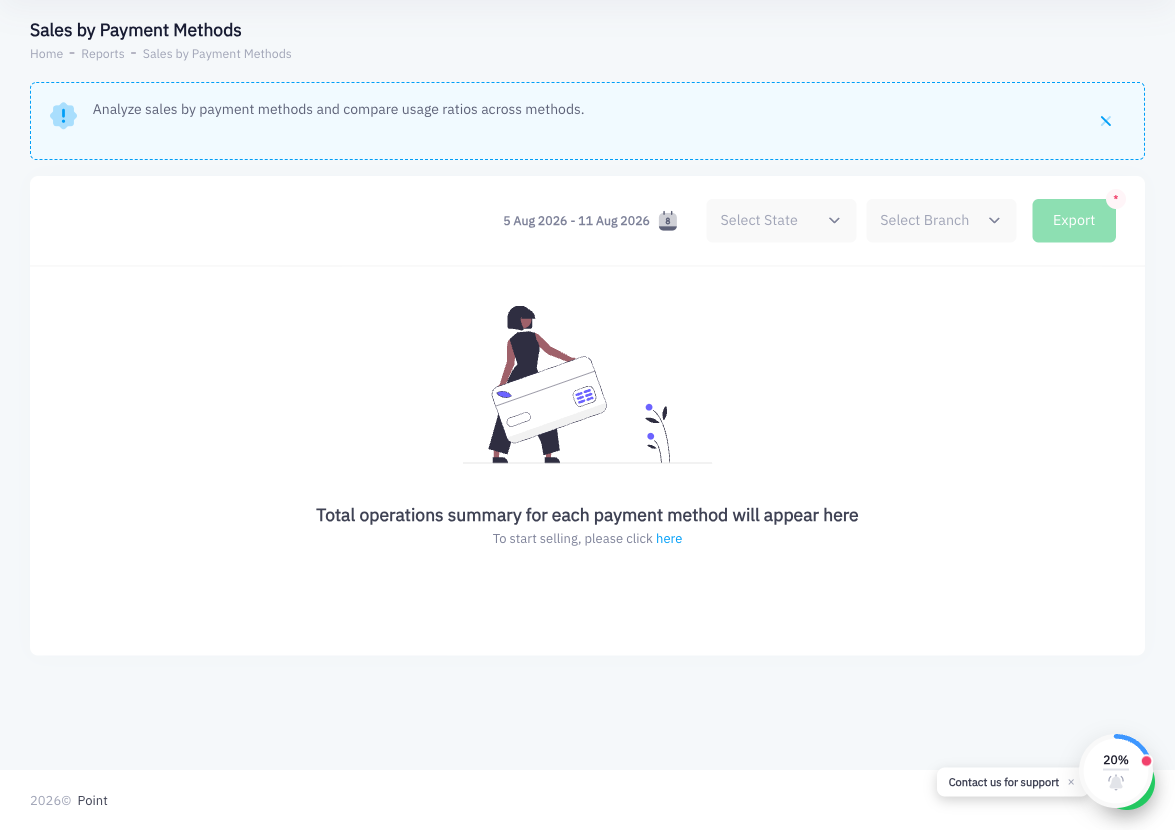
Step 5: Export
Click Export to download the report as a spreadsheet for reconciliation or accounting purposes.
Summary
The Sales by Payment Methods report shows how your revenue is split across different payment types. It is particularly useful for end-of-day cash reconciliation and for tracking the adoption of card or digital payment methods at your branches. Apply date and branch filters to compare locations or time periods, then export the data for your accountant or finance team.