ZATCA Quarterly Reports
Use the Tax Declaration report to prepare and export your quarterly VAT data for ZATCA submission.
What You'll Learn
- How to generate the Tax Declaration report for a quarterly period
- How to export the report for ZATCA submission
- Which plan is required to access this report
Before You Begin
- You need the ابتدائي (Starter) plan or above to access Tax Declaration
- Decide which quarter you are reporting (e.g. Q1: January 1 – March 31)
The Tax Declaration report requires the ابتدائي (Starter) plan or above.
Step 1: Go to Reports
From the left sidebar, click Reports.
Step 2: Click Tax Declaration
In the Reports menu, click Tax Declaration.
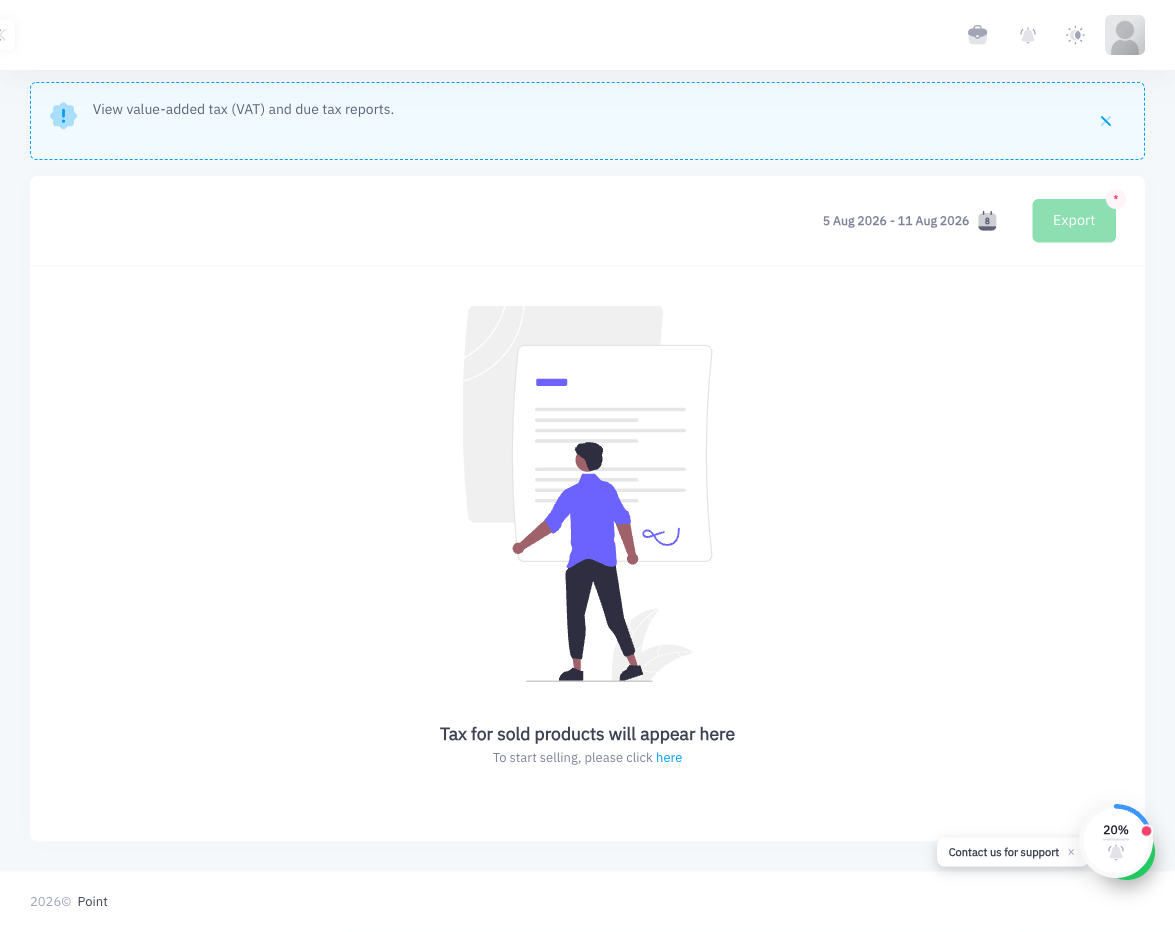
Step 3: Set the Date Range to the Quarter
Use the date range picker to set the period you want to report. For quarterly reporting:
| Quarter | Start Date | End Date |
|---|---|---|
| Q1 | January 1 | March 31 |
| Q2 | April 1 | June 30 |
| Q3 | July 1 | September 30 |
| Q4 | October 1 | December 31 |
Step 4: Review the Report
The Tax Declaration report shows:
- Total taxable sales for the period
- Total VAT collected (at the standard 15% rate)
- Zero-rated sales (if any)
- Exempt sales (if any)
- Net VAT due
Review the figures to confirm they match your expectations before exporting.
Step 5: Click Export
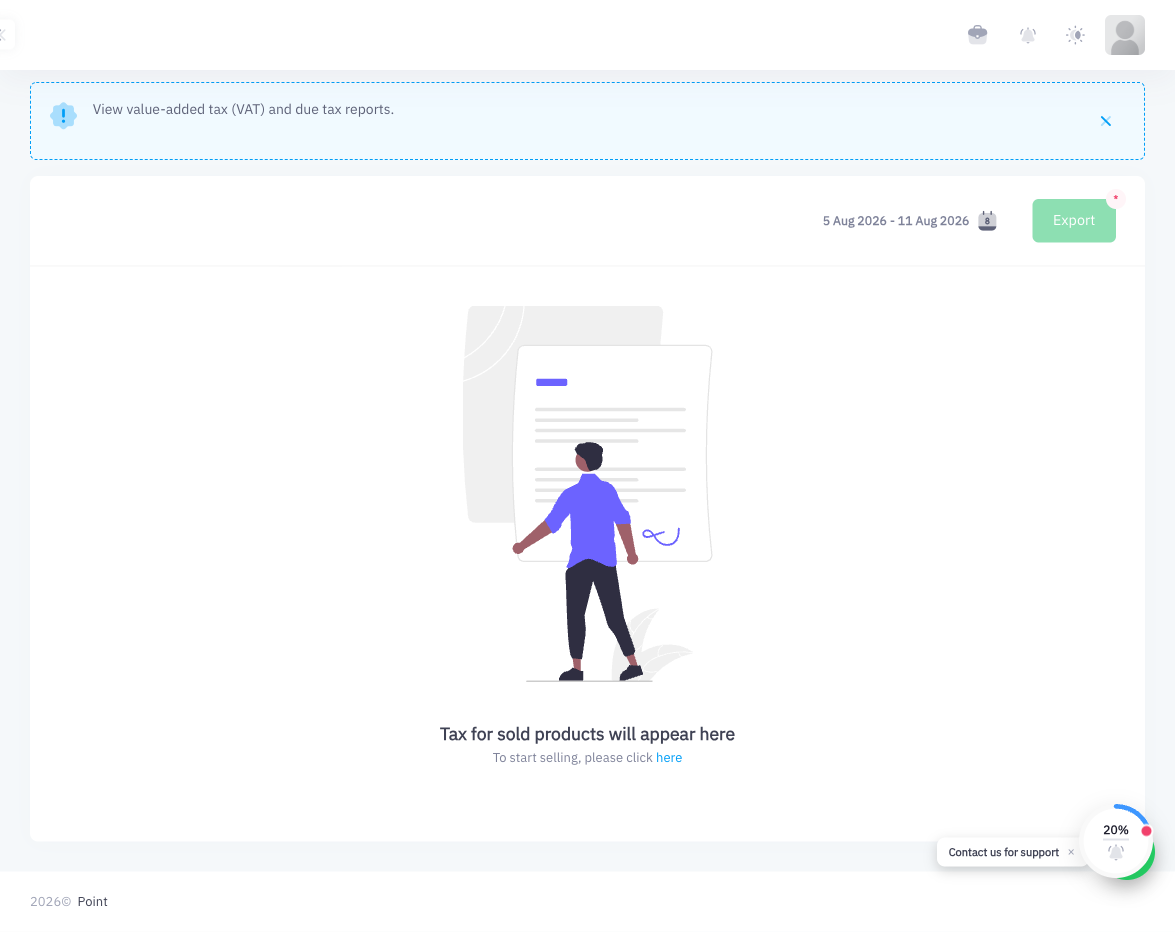
Click the Export button to download the report. The exported file contains all the data required for your quarterly VAT declaration.
Step 6: Submit to ZATCA
Submit the exported file to ZATCA through the ZATCA portal (zatca.gov.sa) or your tax advisor according to ZATCA's current submission requirements.
Point generates the VAT data; the actual submission to the ZATCA portal is done separately through the government's official channels or via your tax advisor.
Summary
The Tax Declaration report in Point aggregates all VAT collected across your sales for any date range. By setting the date range to a full quarter, you get a ready-to-export summary of taxable sales, VAT collected, and zero-rated or exempt amounts. Export the report and submit it to ZATCA quarterly via the official ZATCA portal. This report requires the Starter plan or above.