Zid Integration
Connect your Zid e-commerce store with Point POS to sync your product catalog and keep orders flowing into Point automatically.
What You'll Learn
- How to install the Point connector from Zid's integrations panel
- How to enter your Point API credentials in Zid
- How orders from Zid become invoices in Point
Before You Begin
- You need admin access to your Zid store
- You need your Point API credentials (found in your Point account settings)
To connect Zid with Point, you configure the integration from within Zid's admin panel, entering Point's API credentials. Point does not need any configuration changes on its side.
Step 1: Log in to Zid Admin
Go to your Zid store admin panel and log in with your store credentials.
Step 2: Go to Apps / Integrations
In the Zid admin sidebar, navigate to Apps or Integrations.
Step 3: Find and Install the Point Connector
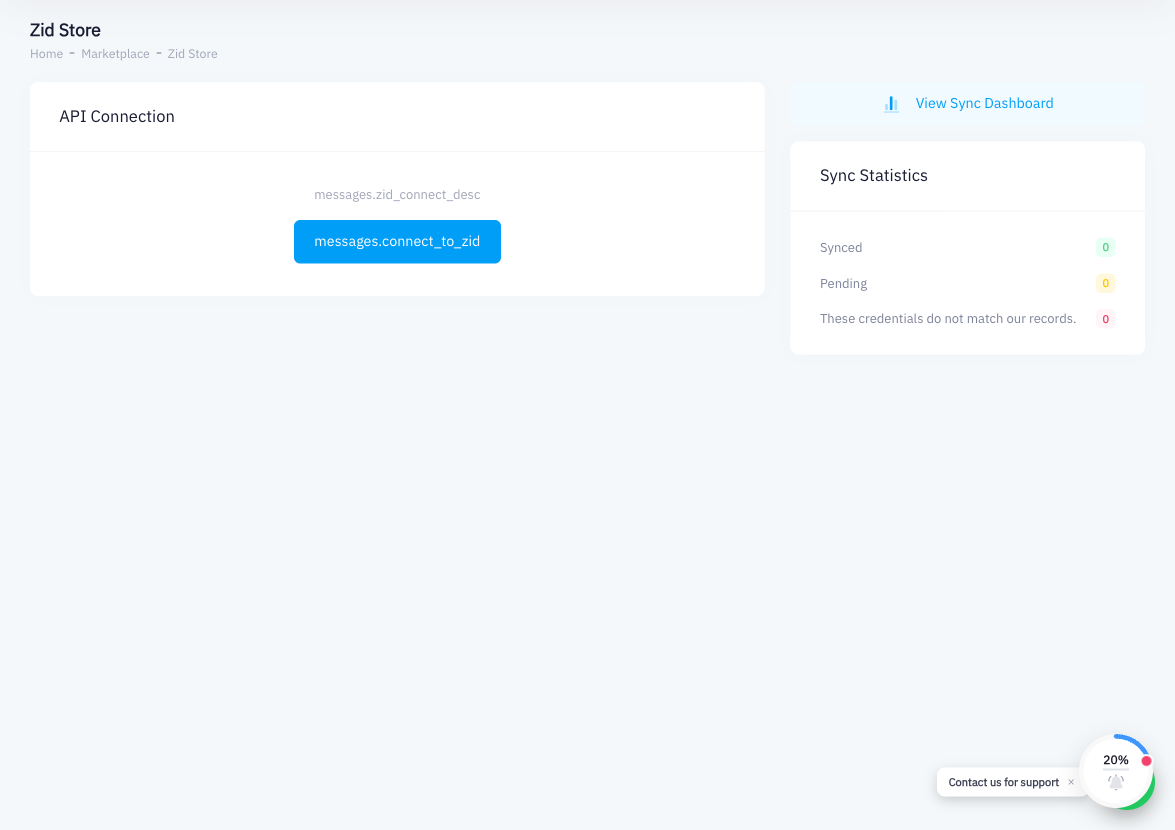
Search for Point in the integrations marketplace. Click the Point connector and then click Install or Connect.
Step 4: Enter Your Point API Credentials
Zid will prompt you for Point's API credentials. To retrieve them:
- In Point, click your account name or avatar (top right)
- Go to Account Settings
- Navigate to the API Tokens section
- Copy the API token
Paste the token into the Point connector form in Zid and save.
Step 5: Map Your Product Catalog
In the connector settings, match your Zid products to the corresponding products in Point. Accurate mapping ensures inventory counts stay consistent across both platforms.
Step 6: Enable Order Sync
Toggle on Order Sync so that orders placed on your Zid store are automatically sent to Point as invoices.
Step 7: Test the Connection
Place a test order on your Zid store. Verify that:
- The order appears in Point's Invoices section
- Inventory decreases on the relevant products in Point
Summary
To connect Zid with Point, install the Point connector from Zid's integrations panel and provide your Point API token. After the connection is active, Zid orders become invoices in Point and inventory levels sync between both platforms. Like all external integrations, the setup is initiated and managed from Zid's admin side — Point acts as the receiving system.