Salla Integration
Connect your Salla e-commerce store with Point POS to sync products, inventory, and orders between both platforms.
What You'll Learn
- How to install the Point app from the Salla app store
- How to enter your Point API credentials in Salla
- What syncs automatically after the integration is active
Before You Begin
- You need admin access to your Salla store
- You need your Point API credentials (found in your Point account settings)
- Products should exist in Point before mapping them to Salla
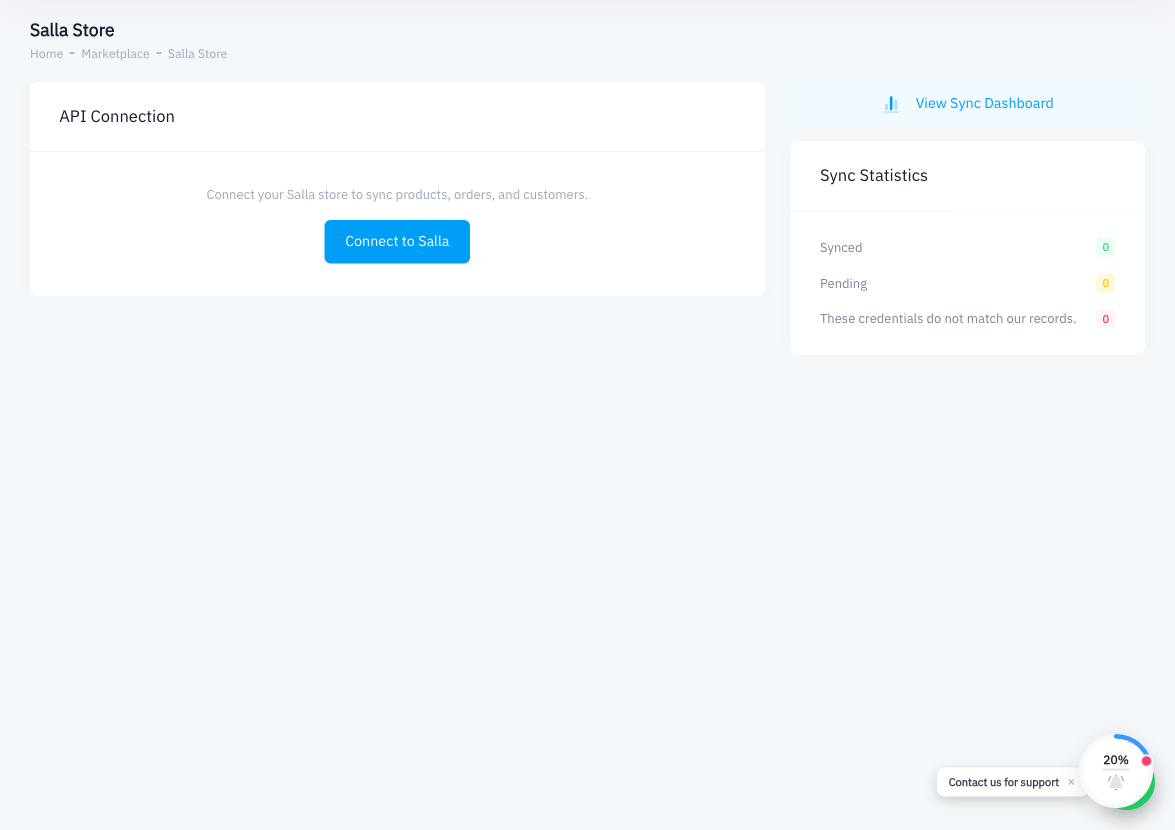
The integration is configured from Salla's admin panel, not from within Point's interface. Point provides the API credentials; Salla initiates and manages the connection.
Step 1: Log in to Your Salla Store Admin
Go to your Salla store admin panel (partners.salla.sa or your store's admin URL) and log in.
Step 2: Go to the App Store
In the Salla admin sidebar, navigate to Apps (متجر التطبيقات).
Step 3: Search for "Point"
Use the search bar to find the Point app.
Step 4: Install the Point App
Click the Point app and then click Install. Salla will ask for permission to connect to your store. Confirm to proceed.
Step 5: Enter Your Point API Credentials
After installation, the Point app will prompt you to enter your API credentials. To find your credentials in Point:
- In Point, click your account name or avatar (top right)
- Go to Account Settings
- Find the API Tokens section
- Copy the API token
Paste the token into the Point app configuration in Salla and save.
Step 6: Map Products Between Salla and Point
In the integration settings, match your Salla product listings to the corresponding products in Point. This ensures inventory levels stay synchronized between both platforms.
Step 7: Enable Inventory Sync
Toggle on Inventory Sync so that when a product sells on Salla, Point's inventory is reduced accordingly, and vice versa.
Step 8: Test with a Sample Product
Place a test order on your Salla store. Verify that the order appears as an invoice in Point and that the inventory count decreases as expected.
Summary
To connect Salla with Point, install the Point app from Salla's app store and enter your Point API token. Products and inventory sync bidirectionally once the connection is established. Orders placed on Salla automatically become invoices in Point. All configuration is done from within Salla's admin panel — Point receives and processes the data passively.