Qoyod Accounting Integration
Automatically post Point invoices and customer data to Qoyod accounting software to keep your books up to date.
What You'll Learn
- How to connect Point to Qoyod from within Qoyod's admin panel
- How to map revenue accounts
- How invoices and customer records sync after activation
Before You Begin
- You need admin access to your Qoyod account
- You need your Point API credentials (found in Point account settings)
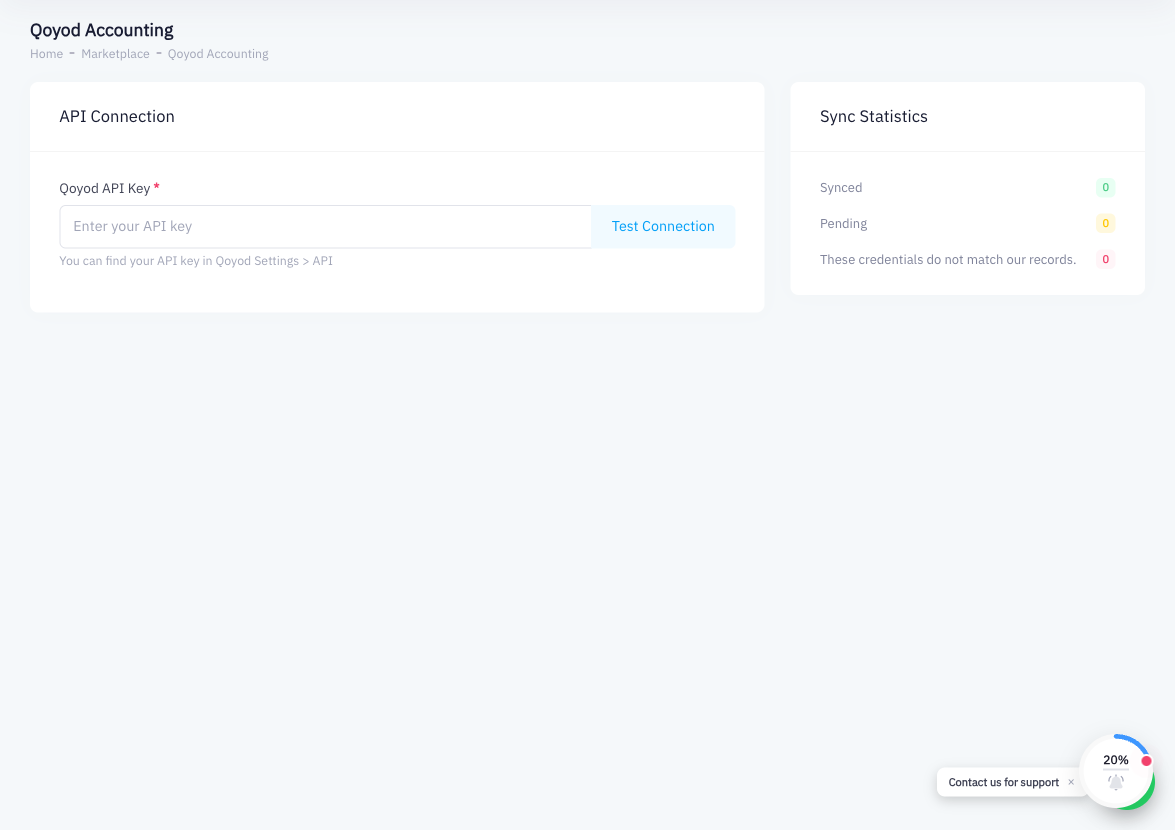
To connect Qoyod with Point, you configure the integration from within Qoyod's admin panel, entering Point's API credentials. No changes are needed in Point's settings.
Step 1: Log in to Qoyod
Go to your Qoyod account (app.qoyod.com) and log in.
Step 2: Go to Integrations
In the Qoyod sidebar, navigate to Integrations or التكاملات.
Step 3: Find Point POS
Browse the available integrations and select Point POS.
Step 4: Enter Your Point API Credentials
Qoyod will prompt you to enter your Point API token. To retrieve it:
- In Point, click your account name or avatar (top right)
- Go to Account Settings
- Navigate to the API Tokens section
- Copy the API token
Paste the token into the Qoyod integration form and save.
Step 5: Map Revenue Accounts
In the integration settings, map Point's sales categories and payment methods to the corresponding revenue accounts and ledger accounts in Qoyod. Accurate mapping ensures invoices are posted to the correct accounts.
Step 6: Enable Automatic Invoice Posting
Toggle on Automatic Invoice Posting. With this enabled, every invoice completed in Point is posted to Qoyod as an accounting entry without any manual intervention.
Step 7: Verify Customer Record Sync
Point customer records (name, VAT number, contact details) sync to Qoyod so that invoices are linked to the correct customer accounts in your Qoyod books.
Step 8: Test with a Sample Invoice
Complete a test sale in Point. In Qoyod, verify that:
- A new invoice entry was created
- It is linked to the correct customer
- Revenue accounts are correctly attributed
Summary
The Qoyod integration automatically posts Point invoices to your Qoyod accounting books. Setup is done from within Qoyod's admin panel by providing your Point API token and mapping revenue accounts. Once active, every Point sale creates a corresponding accounting entry in Qoyod, and customer data syncs to keep records consistent. This eliminates the need to manually enter sales data into your accounting software.