Odoo ERP Integration
Sync Point POS with Odoo ERP to keep products, inventory, and accounting records aligned across both systems.
What You'll Learn
- How to configure the Point connector in Odoo
- What data flows between Point and Odoo
- How invoices from Point post to Odoo accounting
Before You Begin
- You need Odoo admin access and a supported version of Odoo (consult your Odoo implementer)
- You need your Point API credentials (found in Point account settings)
- This integration requires technical setup — involve your Odoo implementer
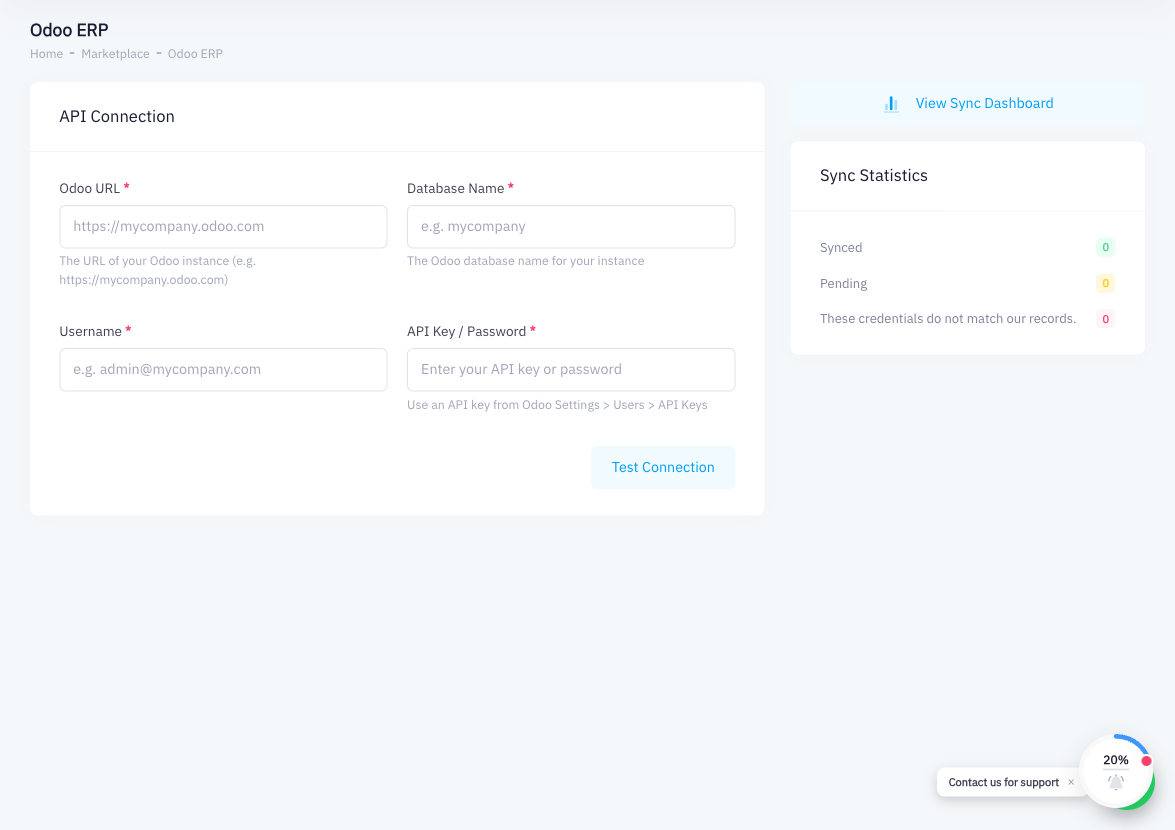
To connect Odoo with Point, you configure the integration from within Odoo's admin panel, entering Point's API credentials. Contact your Odoo implementer for assistance with the technical configuration.
Step 1: Install the Point POS Connector Module in Odoo
In your Odoo instance, go to the Apps menu and search for the Point POS connector module. Install it. If the module is not listed, contact your Odoo implementer to obtain and install the custom connector.
Step 2: Configure Point API Endpoint and Credentials
In the connector settings within Odoo, enter:
- Point API endpoint URL
- Your Point API token (found in Point > Account Settings > API Tokens)
Save the configuration.
Step 3: Map the Chart of Accounts
In the connector's accounting configuration, map Point's payment methods and revenue categories to the appropriate accounts in Odoo's chart of accounts. This ensures invoices post to the correct ledger entries.
Step 4: Enable Product Sync
Toggle on product sync. Point products will be matched to (or created as) corresponding products in Odoo. Choose whether Point is the master source for products or Odoo is, and configure sync direction accordingly.
Step 5: Enable Inventory Sync
Enable inventory sync so that when Point processes a sale or purchase order, Odoo's stock levels are updated, and vice versa.
Step 6: Enable Invoice Posting
Enable the option to post Point invoices to Odoo accounting. When active, each sale completed in Point generates a corresponding journal entry in Odoo, keeping your books up to date automatically.
Step 7: Test with a Sample Sale
Complete a test sale in Point. Verify that:
- The invoice appears in Odoo's accounting module
- Inventory levels are updated in Odoo
- The journal entries use the correct accounts
Summary
The Odoo integration connects Point's POS data with Odoo ERP for a unified view of products, inventory, and accounting. Setup is performed in Odoo by installing the Point connector module and mapping API credentials, accounts, and products. Once active, sales from Point post to Odoo automatically. This integration requires technical expertise — work with your Odoo implementer for a smooth deployment.