NetSuite Integration
Sync Point POS with NetSuite ERP to route sales data, inventory updates, and customer records into your NetSuite instance.
What You'll Learn
- How to configure the Point integration connector in NetSuite
- How to map Point locations to NetSuite subsidiaries
- How to set the sync schedule and test the invoice flow
Before You Begin
- You need the متقدم (Advanced) plan in Point
- You need NetSuite administrator access
- Involve your NetSuite admin or implementation partner for technical configuration
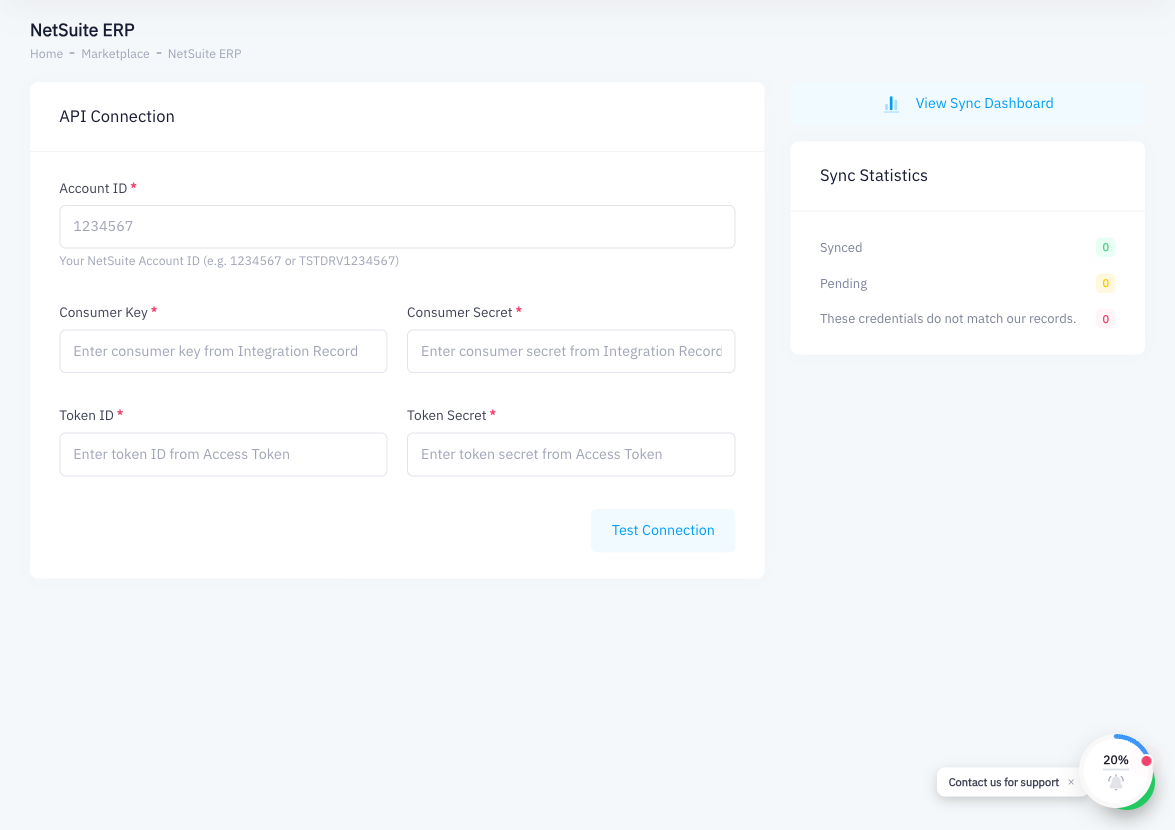
The NetSuite integration requires the متقدم (Advanced) plan in Point and NetSuite administrator access. To connect NetSuite with Point, you configure the integration from within NetSuite's admin panel, entering Point's API credentials.
Step 1: Install or Configure the Point Integration Connector in NetSuite
In NetSuite, navigate to the SuiteApp marketplace or work with your NetSuite administrator to install the Point POS integration connector. If using a custom connector, deploy it to your NetSuite instance as a SuiteScript bundle.
Step 2: Map Point Locations to NetSuite Subsidiaries
In the connector configuration, map each Point branch to the corresponding NetSuite subsidiary or location. This ensures that sales from each Point branch are attributed to the correct entity in NetSuite.
Step 3: Configure Item and Product Mapping
Match Point products to NetSuite items (Inventory Items, Non-Inventory Items, or Service Items). Set a unique identifier (such as SKU or barcode) that both systems can use to match records.
Step 4: Set the Sync Schedule
Choose how frequently Point data is sent to NetSuite:
- Real-time — each invoice is sent to NetSuite immediately after it is created in Point
- Batch — invoices are sent in bulk on a scheduled interval (hourly, nightly, etc.)
Real-time sync is recommended for high-volume environments where up-to-date inventory is critical.
Step 5: Test the Invoice Flow from Point to NetSuite
Complete a test sale in Point. Then, in NetSuite, verify that:
- A Sales Order or Invoice record was created
- The correct subsidiary and item are referenced
- Revenue and inventory accounts updated correctly
Summary
The NetSuite integration routes Point POS data — invoices, products, and inventory — into NetSuite ERP. Configuration is performed in NetSuite by mapping Point locations to subsidiaries, matching items, and setting the sync schedule. The Advanced plan is required in Point. Because NetSuite configuration requires specialized knowledge, work with your NetSuite administrator or implementation partner to ensure the integration is set up correctly.